3D Party Challenge Collection
Reviews
Description
Game Introduction
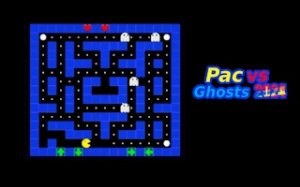
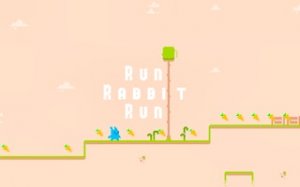
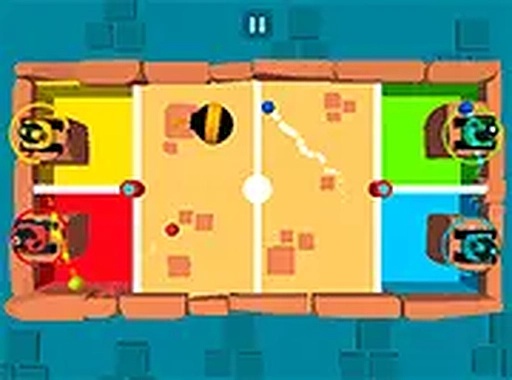
3D Party Challenge Collection brings together 21 different 3D game modes designed for one to four players. The main goal is simple: be the first to finish each challenge or achieve the highest score. Modes range from racing to puzzle-solving, each offering a unique scenario that encourages friendly competition. This collection turns any gathering into a lively hub of laughter and rivalry. With easy controls and a family-friendly atmosphere, it is accessible for all ages. The variety ensures that players can always find something new to try, making it suitable for repeated play sessions. The game emphasizes social interaction and quick, engaging rounds that keep everyone involved. Whether playing solo or with friends, the experience is designed to be inclusive and entertaining for everyone.
How to Play
To start, players select one of the 21 game modes. Each mode has clear rules: reach the finish line first or accumulate the highest score. Players use their keyboard or mouse to control their character. For multiplayer fun, up to four players can join on the same computer, each using different keys. Solo players can practice against computer-controlled opponents. The game is designed for desktop play, so simply choose a game, follow on-screen instructions, and enjoy playing with friends. The controls are simple and intuitive, allowing players of all skill levels to jump in quickly.
Game Features
21 unique 3D games offer variety and replayability. Multiplayer supports one to four players on the same device. Computer-controlled opponents provide a challenge for solo players. The game is family-friendly with no violent or inappropriate content. It is free to play with no downloads required, making it easy to start a game anytime. Simple keyboard and mouse controls ensure accessibility for all ages. The collection includes various challenges that may involve racing, puzzle-solving, and other objectives, all presented in a vibrant 3D environment.
Tips for Success
Practice each game mode to learn its unique mechanics and objectives. Focus on mastering the controls to improve your reaction time. In multiplayer, communication with friends can help coordinate strategies. For solo play, use computer-controlled opponents to refine your skills. Short rounds allow for quick learning, so try different modes to find your strengths. Stay calm and have fun—friendly competition is the key to enjoying the party experience.






Player Comments
Sign in to comment
You must be logged in before posting a review or rating.
No account? Create one
No comments yet. Be the first to comment!