Vel Bots Arcade Challenge
Reviews
Vel Bots Arcade Challenge delivers classic arcade fun with a modern twist. The pod customization system adds strategic depth, and local multiplayer is perfect for group play. The game runs smoothly on mobile and desktop, making it easy to pick up and play anytime.
About This Game
Game Introduction
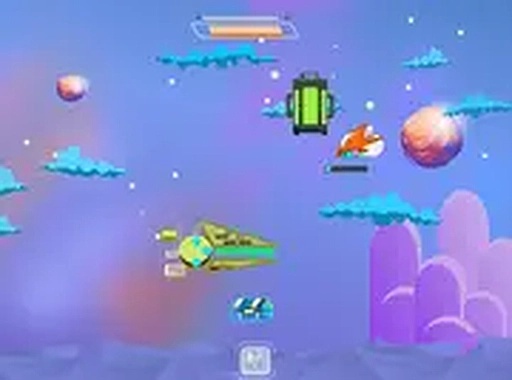
Vel Bots Arcade Challenge brings the excitement of classic arcade action to modern browsers. Players control a customizable robot ship as they navigate through waves of opponents in a fast-paced space setting. The core objective is to survive and overcome challenges while progressing through various missions. This game combines nostalgic arcade action with contemporary features, offering both single-player and local multiplayer modes for up to four players. Its browser-based nature makes it accessible on mobile and desktop devices without any downloads. The game is free to play and runs entirely in your browser.
How to Play
To start playing, simply visit the game website and launch it directly in your browser. Use keyboard controls or touch inputs to move your robot ship and interact with opponents. In single-player mode, you progress by completing quests and overcoming waves of opponents. For local multiplayer, you can team up with up to three friends in cooperative play or compete against each other in versus mode. The game also supports full screen mode for a more immersive experience.
Game Features
Key features include a single-player quest mode with progressive challenges, local multiplayer for up to four players with both cooperative and versus options, and a deep pod system for customizing your robot's abilities. The game is free to play and runs entirely in your browser on mobile and desktop platforms. Full screen support enhances the visual experience, and the fast-paced action keeps each session engaging. The pod customization allows players to tailor their loadout to suit different playstyles and strategies.
Tips for Success
Practice regularly to improve your reflexes and learn opponent movement patterns. Experiment with different pod configurations to find the best loadout for each mission. In multiplayer modes, communicate with teammates to coordinate actions and cover each other. Focus on dodging incoming attacks while maintaining steady offense. Use the full screen mode to minimize distractions and improve your focus. Finally, take breaks to avoid fatigue and maintain peak performance during longer sessions.