Risen Horde Shooting Challenge
Reviews
Day of the Risen Dead offers a clean arcade experience with responsive controls and a clear goal. The difficulty ramps up nicely, encouraging repeated attempts to improve your score. It is a solid choice for fans of browser shooters who want a no-fuss game to enjoy during downtime.
About This Game
Game Introduction
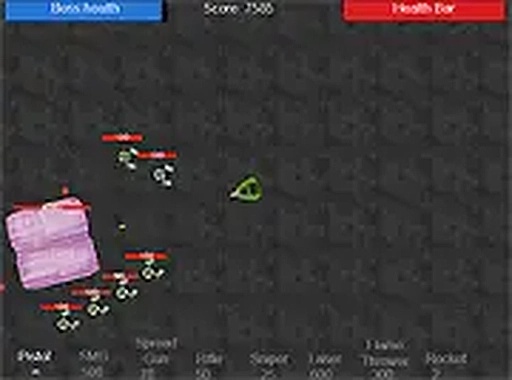
Risen Horde Shooting Challenge is an exciting free browser-based arcade shooting game. In this action-packed experience, you play as a farmer who wakes up to find a horde of risen creatures invading your farm. Your mission is to fight back, take control, and reclaim your land. This game offers a thrilling challenge with simple controls and engaging gameplay. Designed for desktop play, it runs smoothly in your browser without any downloads. Perfect for fans of shooting games, Risen Horde Shooting Challenge provides hours of fun as you strategize to defeat the advancing enemies. Whether you are a casual gamer or a shooting enthusiast, this game delivers a satisfying test of aim and reflexes.
How to Play
To play Risen Horde Shooting Challenge, use your mouse to aim and click to shoot at the approaching enemies. Move your character with the keyboard arrows or WASD keys to dodge attacks and position yourself for better shots. The goal is to eliminate all enemies and protect your farm from being overrun. As you progress, the horde may grow faster, requiring quick reflexes and accurate shooting. You can also play in full screen mode for a more immersive experience. The game is easy to pick up but offers enough challenge to keep you engaged. Start playing for free and enjoy the action.
Game Features
This game is free to play and browser-based with no downloads required. It includes a full screen mode for an immersive experience and is desktop optimized for smooth performance. Controls are simple, using mouse and keyboard. The game is designed for quick sessions or longer play, with increasing difficulty that keeps the challenge fresh.
Tips for Success
To succeed in Risen Horde Shooting Challenge, practice your aim and learn to anticipate enemy movement. Use the environment to your advantage by positioning yourself where you can see enemies coming from multiple directions. Keep moving to avoid being surrounded, and prioritize targets that get too close. As the game progresses, stay calm and focus on accuracy over speed. Taking short breaks can help maintain your reflexes. With regular practice, you will improve your scores and survive longer against the growing horde.