Drive for Speed Racing
Reviews
Drive for Speed provides a clean and accessible driving experience. The mission-based structure gives clear goals, and earning money to upgrade cars adds a satisfying sense of progress. The city environment with traffic and obstacles keeps each run slightly different. It is a solid choice for casual players who want a quick driving challenge without complicated mechanics.
About This Game
Game Introduction
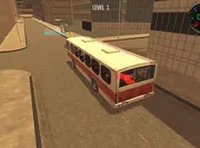
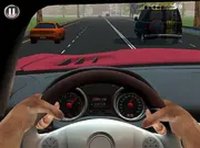
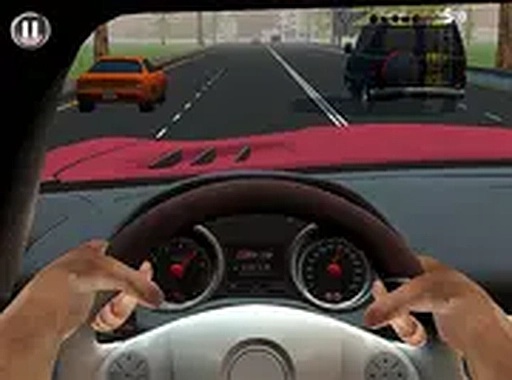
Drive for Speed is a free online car driving simulator that places you in a busy city environment. Your goal is to navigate through traffic and obstacles while completing various missions around town before time runs out. Each successful mission earns money, which you can use to purchase new, faster cars. The more you play, the quicker you can finish missions and unlock more vehicles. This game offers a straightforward yet engaging experience for players who enjoy driving challenges and time-based objectives. It runs smoothly in your browser on desktop computers with no downloads or installations required.
How to Play
To play Drive for Speed, use your keyboard or mouse to control your car through the city streets. Your main objective is to complete different missions scattered around town within a set time limit. Drive carefully to avoid obstacles such as other vehicles, barriers, and tight corners. Each mission you finish adds to your earnings, which are displayed on the screen. Use the money you collect to visit the in-game shop and buy faster cars, helping you complete future missions more efficiently. The game is designed for desktop play and works best with a keyboard or mouse. You can also switch to full screen mode for a more immersive experience. Simply start the game, choose your car, and begin your driving adventure. No registration or payment is needed.
Game Features
Game features include free to play, browser-based gameplay, city driving with obstacles, time-based missions, car upgrades, and full screen mode. The game is accessible from any modern browser on a desktop computer.
Tips for Success
You will enjoy Drive for Speed because it offers a rewarding cycle of mission completion and car upgrades. The simple controls and engaging time challenges make it a great choice for quick gaming sessions.