Creative Runner Drawing Game
Reviews
Description
Game Introduction
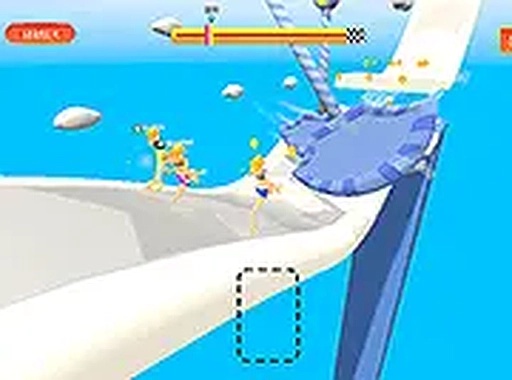
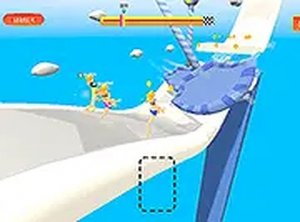
Creative Runner Drawing Game is a family-friendly arcade game that combines drawing with racing. Players design legs for their runner to match platforms and overcome obstacles. Each round is unique because the drawing mechanics allow for endless creativity. The game is available in single-player and two-player modes, so you can race against the clock or compete with a friend. It is designed to be simple and fun for all ages, making it suitable for kids and educational environments. The core objective is to create the best legs for each challenge, helping your runner move forward quickly and avoid obstacles. This game encourages quick thinking and creative problem-solving in a lighthearted setting.
How to Play
Players use a mouse to draw legs for their runner. In single-player mode, you draw legs that fit the platforms to move forward and reach the destination as fast as possible. In two-player mode, players take turns drawing legs for their character. The goal is to adjust the legs to avoid obstacles and outpace the opponent. Quick thinking and creativity help you design the most effective legs for each challenge. Controls are simple and easy to learn, using the mouse and keyboard. The game is designed to be accessible for players of all ages.
Game Features
Creative drawing mechanics allow players to design legs for their runner. Single-player and two-player modes offer solo or competitive play. Fun racing challenges test both creativity and reflexes. The gameplay is family-friendly and suitable for kids and educational settings. Simple controls can be used with a mouse and keyboard. Each level may require new leg designs, keeping the experience fresh and engaging.
Tips for Success
Practice drawing legs that match the shape of the platforms. Quick thinking and creativity are important for designing effective legs. In two-player mode, watch your opponent's strategies to improve your own. Take time to adjust legs before starting each round to avoid obstacles. Regular practice will help you improve speed and accuracy. Stay calm and focus on the platform patterns to design the best legs for each challenge.





Player Comments
Sign in to comment
You must be logged in before posting a review or rating.
No account? Create one
No comments yet. Be the first to comment!