Illustrations 3: Spot the Difference
Reviews
Description
Game Introduction
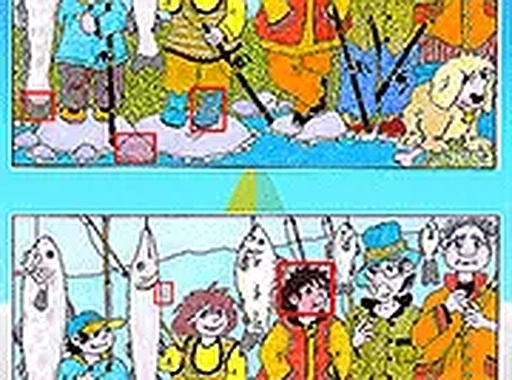
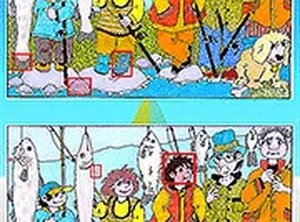
Illustrations 3 is a spot the difference puzzle game where players compare two similar hand-drawn pictures. The goal is to find small differences between them. As players progress, the differences become harder to see, which helps improve focus and attention to detail. The game is designed to be both calming and mentally engaging, making it a good choice for puzzle fans and casual players. Each level shows a new scene, so the game stays interesting. The artwork is family-friendly and pleasant, creating a nice environment for players of all ages. Whether you have a few minutes or more time, Illustrations 3 offers an easy and satisfying experience.
How to Play
To play, look at two pictures placed next to each other. When you see a difference, click on that area in either picture. On mobile devices, you can pinch to zoom in for a closer look. Desktop users can use a zoom feature to see fine details. A hint tool is available if you need help. The goal is to find all differences before time runs out. The controls are simple, so you can start playing right away. The game saves your progress, so you can return to unfinished levels later. This straightforward approach keeps the focus on the puzzle.
Game Features
The game includes multiple levels with increasing difficulty. Beautiful, hand-drawn illustrations keep the experience fresh. A hint system is available for challenging spots. The game works directly in a web browser without needing to download anything. It is suitable for players of all ages and skill levels.
Tips for Success
To improve your observation skills, try scanning each image systematically, such as from top to bottom or left to right. Pay close attention to details like colors, shapes, and object positions. Use the zoom feature to inspect small areas more closely. If you get stuck, use the hint tool sparingly to avoid relying on it too much. Practice regularly to train your eye for spotting differences more quickly. Staying calm and patient will help you notice subtle changes that might otherwise be missed.





Player Comments
Sign in to comment
You must be logged in before posting a review or rating.
No account? Create one
No comments yet. Be the first to comment!